Equip-Link
Selecting the best optical transceiver is not just a matter of choosing the highest data rate. The right module must match your switch or router, fiber type, link distance, and operating environment. A mismatch can mean an unstable link, wasted capacity, or a module that the host device does not recognize. Fit matters.
This guide compares ten options for global buyers, covering common form factors, data rates, wavelengths, and reach. It also considers practical purchasing factors, including temperature ratings, digital diagnostics, warranty terms, and the availability of clear technical documentation. Check each manufacturer’s datasheet and compatibility guidance before ordering. Similar specifications do not always guarantee interoperability.
Buying across regions adds another layer. Product availability, support response times, and delivery estimates can differ by market. Confirm these details with the supplier rather than relying on a product listing alone. For critical links, verify the required fiber and connector type, then check whether the stated reach suits your actual route. Allow for patch panels and other connection points. Small details matter.
The rankings offer a useful starting point, not a universal verdict. A module that suits a data center may be unnecessary for a short campus connection. And a shortlist can miss a niche requirement. Use the comparisons to narrow your choices, then validate the final model against your equipment, network plan, and service needs.
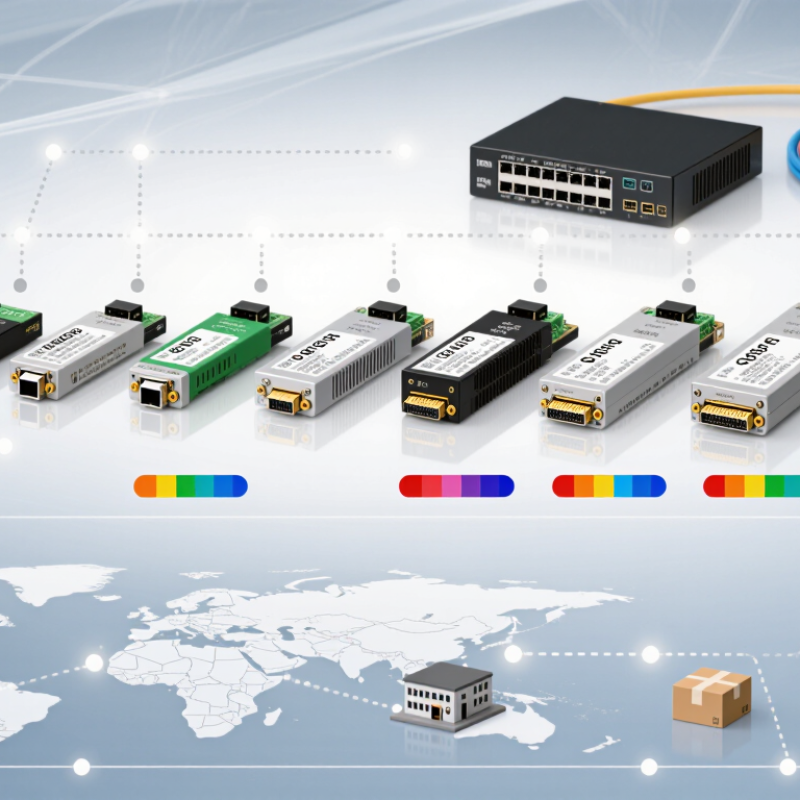
Optical transceivers convert electrical signals into light and back again. They sit inside switches, routers, and servers, sending data through fiber-optic cables. Light carries data. A small module can connect a server rack to a switch across a data center, or link networks across much greater distances. Its reach depends on the transceiver, fiber type, and operating wavelength.
The International Telecommunication Union’s Facts and Figures 2024 estimates that 5.5 billion people use the internet, representing 68% of the world’s population. That growing reach puts pressure on network links to carry more traffic reliably. Transceivers help by supporting high-capacity connections, but choosing one involves more than chasing speed. Buyers need to check reach, fiber compatibility, power use, heat, and interoperability with their equipment. Small details matter. A mismatch can mean an unstable link or an expensive replacement. Faster is not always better; a short in-rack connection may not need the same reach as a campus link. The lesson is not perfectly neat: published specifications help, but real network conditions can still expose gaps in planning.
Optical transceivers should match the network standard, not just the advertised speed. Ethernet modules commonly reference IEEE 802.3 specifications, while multi-source agreements define mechanical dimensions and interface details. These references help, but they do not guarantee that every module will work in every switch. Check the host device’s compatibility list and confirm the required coding or firmware support. Small details matter.
Next, compare wavelength, fiber type, reach, and connector. A 10-kilometer rating, for example, assumes suitable single-mode fiber and a compliant optical path. Measure the link distance and account for patch panels, connectors, and expected signal loss. Check transmit and receive power limits against the equipment at both ends. Digital diagnostics can report temperature and optical power, though readings may vary between modules. They are useful clues, not perfect measurements.
Operating conditions deserve attention too. Verify the temperature range, power consumption, and airflow around densely populated ports. A crowded switch can run warmer than a lab test suggests. I would not choose by price or reach alone; those shortcuts can create avoidable troubleshooting. One awkward point: published specifications rarely describe every mixed-vendor setup. Test a sample on the intended hardware, then record link stability and diagnostic readings before ordering at scale.
For global buyers, the best optical transceiver is not always the fastest one. It is the unit that matches the switch, fiber type, reach, and operating environment. ITU’s Facts and Figures 2023 estimated that 5.4 billion people were online, increasing pressure on networks to carry more traffic reliably. That scale makes compatibility and supply planning practical priorities. Check the host device’s supported form factors and data rates before comparing prices. A module that fits physically may still fail to link.
Use the application to narrow the shortlist. Short data-center links often favor multimode optics, while longer campus or metro links typically need single-mode modules. Cisco’s Annual Internet Report forecast global IP traffic at 3.3 zettabytes per year by 2023, illustrating why capacity planning matters; it does not mean every buyer needs the newest speed. Check reach, wavelength, connector type, power draw, and temperature rating against the actual installation. Small details matter. Request interoperability and test documentation, plus clear warranty and return terms. One weakness in many comparisons: listed reach assumes suitable fiber and clean connections. Dust or an incorrect patch lead can spoil a good module. Keep spare units for critical links, but verify that firmware and monitoring tools can identify them correctly.
Choosing an optical transceiver starts with the link, not the advertised speed. A 100-gigabit module may suit a short data-center connection, while a slower option can be more practical across a campus. Check the switch port, supported coding, connector, and fiber type before comparing prices. Compatibility is not always obvious. A module can fit physically yet fail to work with a particular host or firmware version.
Reach claims need context. Match the stated distance to the actual fiber route, including patch panels and connections. For a long link, verify wavelength and fiber specifications, then allow for signal loss rather than relying on a distance label alone. Short-reach links often use multimode fiber; longer routes commonly require single-mode fiber. Measure the path. Guessing can get expensive.
Cost includes more than the purchase price. Consider power use, diagnostics, warranty, replacement availability, and whether existing cabling can be reused. Digital monitoring can help identify rising temperature or weak optical levels before a link becomes unstable. Still, not every network needs the most advanced module. That is easy to overlook. Compare tested compatibility and documented specifications, but leave room for real-world variation: an installation may behave differently than a clean lab test, especially when older cabling is involved.
Global buyers comparing the top 10 optical transceivers should start with compatibility, not price. Check wavelength, data rate, connector type, reach, and the host device’s supported module specifications. Request a current datasheet and traceable product documentation from the supplier. Requirements can vary by destination and application, so confirm applicable import, safety, and environmental documentation with qualified local teams. A familiar label is not enough.
Tips: Compare like with like. Ask for a sample, test it in the intended switch, and keep the results with the purchase record. Small differences matter.
Plan deployment before ordering at scale. Confirm fiber type and link distance, then inspect connector cleanliness and cable routing at the site. Test received modules under realistic traffic and temperature conditions where practical. Record serial numbers, firmware details, and link performance for troubleshooting. Keep spare units for critical connections, but avoid mixing modules without checking compatibility. A spreadsheet can miss a real-world mismatch; a short pilot may reveal one before it affects a full rollout. Allow time for customs processing and replacement shipments, since delivery estimates are not guarantees.
Match the module to the network standard, switch, fiber type, and required data rate. Physical fit alone is not enough.
Short data-center links often use multimode fiber. Longer campus or metro links typically need single-mode fiber. Check the installation.
No. Listed reach assumes suitable fiber and a clean optical path. Patch panels, connectors, and signal loss can reduce performance.
Confirm the connector and wavelength match both ends of the link. An incorrect patch lead can disrupt an otherwise suitable module.
Review the host device’s compatibility list and required firmware or coding support. Then test a sample on the intended hardware.
Check temperature range, power use, and airflow around the ports. A crowded switch may run warmer than a lab setup.
Digital diagnostics can show temperature and optical power. Treat them as useful clues, not perfect measurements. Readings may vary.
Test link stability and record diagnostic readings first. Keep verified spares for critical links. I still find this easy to underestimate.
Optical transceivers connect network equipment to fiber-optic cables, converting electrical signals into light and back again. Choosing the best optical transceiver depends on more than headline speed: buyers should consider applicable industry standards, module type, wavelength, transmission distance, connector, power use, and compatibility with their equipment. A top-ten comparison can help organize options for different needs, from short links inside data centers to longer connections between sites.
When comparing transceivers, balance speed and reach with reliability, total cost, and deployment requirements. Global buyers should also confirm product documentation, regional compliance, supplier support, availability, and warranty terms before purchasing. Careful planning and testing can reduce compatibility issues and make installation smoother. The right choice is the one that meets the network’s technical requirements while offering dependable performance and a practical long-term cost.