 Equip-Link
Equip-Link
Equip-Link
Choosing the best 100G QSFP28 module is not a simple matter of comparing prices. The correct choice depends on distance, fiber type, switch compatibility, power limits, and operating conditions. A module that performs perfectly in a short laboratory link may fail in a crowded data center rack. Heat matters. So does firmware behavior.
John D’Ambrosia, a recognized Ethernet industry authority and Ethernet Alliance chairman, has stated, “Ethernet is the undisputed networking technology of choice.” That observation explains why 100G QSFP28 module selection deserves careful attention. Ethernet networks now connect servers, storage systems, cloud platforms, and demanding enterprise applications. Their optical components must work reliably under continuous traffic, not only during installation testing.
This guide examines the practical details behind a dependable decision. It considers SR4, LR4, ER4, and other common variants, including multimode and single-mode fiber requirements. It also discusses reach, wavelength design, connector type, DOM monitoring, operating temperature, and interoperability with existing equipment. Vendor datasheets provide useful evidence, but they do not answer every deployment question. Real compatibility testing remains valuable.
Some recommendations may appear obvious. They are still easy to overlook. For example, a low-cost module may consume more power or provide weaker diagnostic visibility. That does not automatically make it unsuitable, but it deserves investigation. Buyers should compare measured performance, warranty terms, coding support, and documented compliance. No checklist is perfect. Careful engineers still leave room for testing, uncertainty, and revision before approving a 100G QSFP28 module for production use.
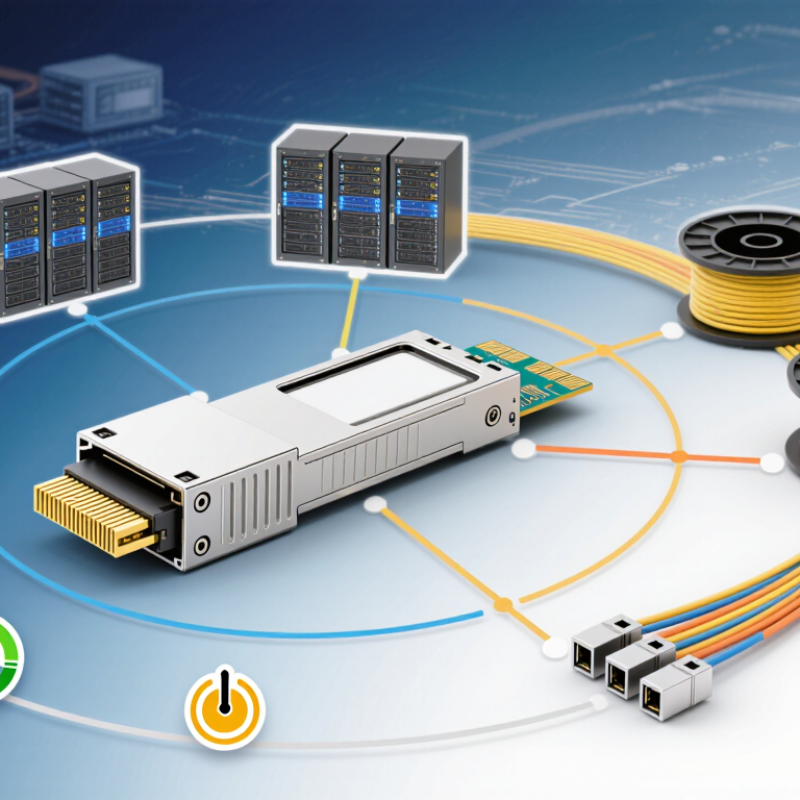
Understanding specifications prevents costly compatibility mistakes. A 100G QSFP28 module normally carries 100GbE through four 25Gb/s electrical lanes. IEEE 802.3ba defines the 100GbE framework, while SFF-8636 covers management and digital monitoring. Check the host switch first. Its port may require parallel fiber, duplex fiber, or a specific breakout mode. Small details matter.
Reach is the practical dividing line. SR4 typically supports 70 meters over OM3 and 100 meters over OM4 multimode fiber. LR4 can reach approximately 10 kilometers over single-mode fiber. PSM4 often serves campus or data-center links near 2 kilometers, but connector and fiber quality still matter.
According to the Ethernet Alliance 2024 Ethernet Roadmap, 100GbE remains a mature deployment speed as networks move toward 400GbE, 800GbE, and beyond. LightCounting’s 2024 optical-transceiver analysis also describes 100G as an established segment, not an obsolete one.
Power and diagnostics deserve equal attention. Many QSFP28 designs operate below 3.5 watts, but actual consumption changes with temperature and optical distance. Confirm DOM support, operating temperature, FEC behavior, and alarm thresholds. I have seen links fail because engineers checked wavelength but ignored FEC settings. That was avoidable. A lower price can hide higher troubleshooting costs. Validate interoperability with the actual switch, fiber plant, and software version before ordering large quantities. Datasheets help, but live testing is still wiser.
It usually carries 100GbE through four electrical lanes. Each lane operates near 25Gb/s. Small details matter.
SR4 uses parallel multimode fiber and commonly an MPO connector. It reaches about 70 meters on OM3 and 100 meters on OM4. LR4 uses duplex single-mode fiber and can reach approximately 10 kilometers.
PSM4 often suits campus or data-center links near 2 kilometers. Fiber quality and connector cleanliness still affect performance. Distance alone is not enough.
Check the switch port, optical type, connector, reach, lane structure, and breakout requirements. Confirm the required form factor and monitoring support. Test before scaling.
No. A port may accept the cage mechanically but reject the module logically. Coding, FEC expectations, firmware, or lane settings can differ.
Check digital monitoring, transmit power, receive sensitivity, temperature readings, and alarm thresholds. These details can reveal weak links early. Diagnostics are not decoration.
Many designs operate below 3.5 watts. Actual consumption changes with temperature, optical distance, and module design. A low listed value may not match field conditions.
Confirm fiber type, polarity, connector condition, and optical path length. For parallel links, verify all lanes are connected correctly. One dark lane can interrupt service.
Yes. Confirm FEC behavior and configuration on both ends. Retest after firmware changes. I once checked wavelength but ignored FEC; that was avoidable.
Yes, especially before buying large quantities. Test the actual switch, fiber plant, software version, and module combination. Datasheets help, but real conditions can disagree.
Choosing the best 100G QSFP28 module requires more than simply selecting the highest data rate. Start by reviewing key specifications, including transmission speed, wavelength, reach, fiber type, connector design, and operating temperature. Match the module to your network infrastructure by determining whether you need multimode fiber for shorter connections or single-mode fiber for longer-distance transmission. Connector requirements should also be checked carefully to ensure a smooth installation and reliable signal performance.
Before purchasing a 100G QSFP28 module, confirm compatibility with your switches, routers, cables, and supported network protocols. It is equally important to evaluate power consumption, heat generation, monitoring functions, and long-term reliability, especially in dense data center environments. A practical decision should consider the total cost, including installation, maintenance, energy use, and potential replacement needs. By balancing technical specifications, network compatibility, performance, and overall operating value, you can choose a module that supports stable, efficient, and scalable high-speed connectivity.
